Agentic AI

Revisiting Gorillas in Godot 4: Gemini 3.1 Pro Takes the Challenge
Benchmarking Gemini 3.1 Pro against the 1991 QBasic Gorillas challenge yields a bug-free build on the first attempt, but Claude Opus remains the undisputed champion.
Gemini achieves working gameplay only by …TL;DR
TL;DR — Quick Summary & Key Takeaways
Connecting LangGraph Agents to FastMCP Servers
Combining LangGraph’s cyclical graph workflows with FastMCP decouples agent control flow from tool execution boundaries.
This architecture enables stateful, multi-step LLM reasoning with clean separation of …TL;DR
TL;DR — Quick Summary & Key Takeaways
Building Agentic System Tools with FastMCP and Python
The Model Context Protocol (MCP) standardises how AI assistants connect to external tools, databases, and local system resources.
FastMCP makes building and deploying custom Python MCP servers straightforward with …TL;DR
TL;DR — Quick Summary & Key Takeaways
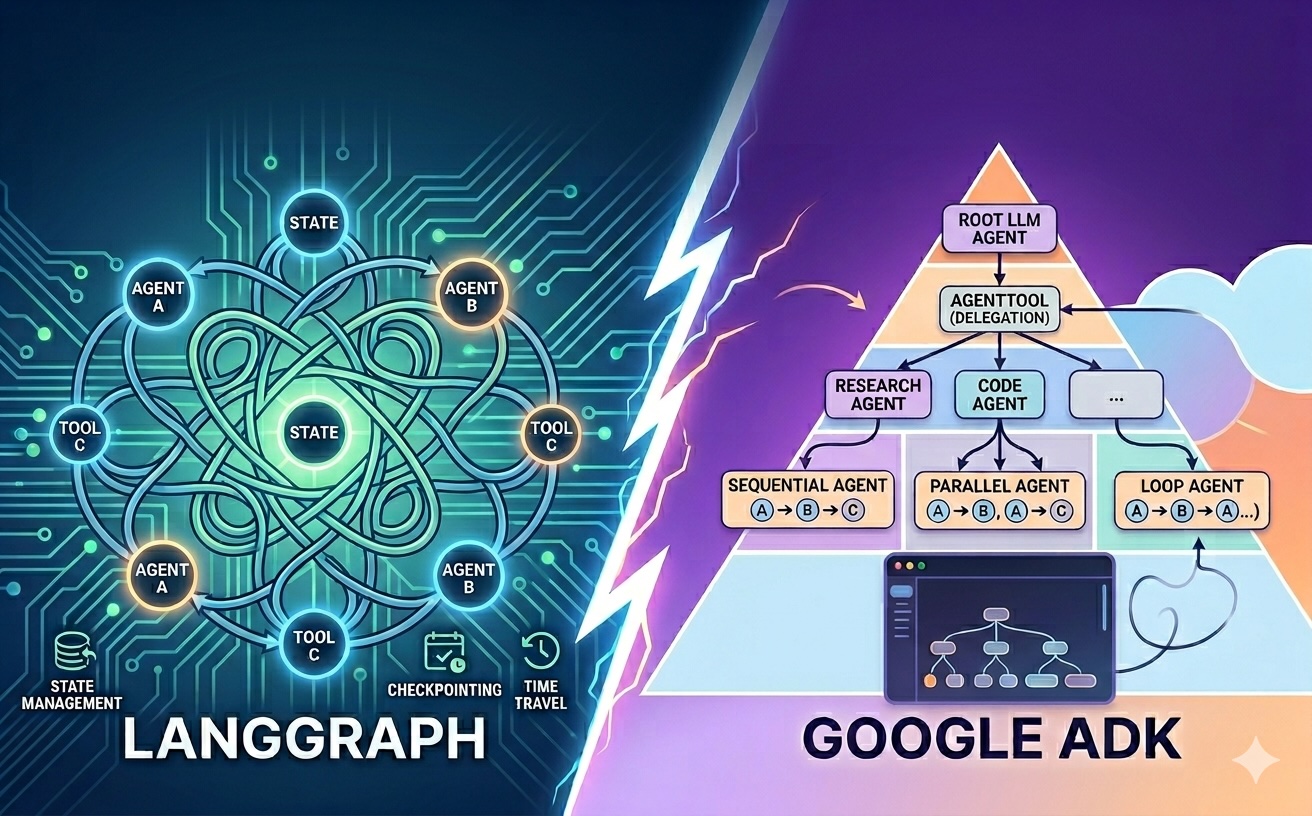
Beyond Graphs: An Introduction to Google's Agent Development Kit (ADK)
Google’s Agent Development Kit (ADK) introduces a hierarchical, code-first approach to building multi-agent AI applications.
By adopting an “agents all the way down” philosophy and providing a …TL;DR
TL;DR — Quick Summary & Key Takeaways
Streaming State and Tokens in LangGraph
Forcing users to wait for a complex, multi-node agent graph to finish executing leads to poor perceived latency and unresponsive UIs.
LangGraph’s streaming modes allow applications to stream intermediate …TL;DR
TL;DR — Quick Summary & Key Takeaways
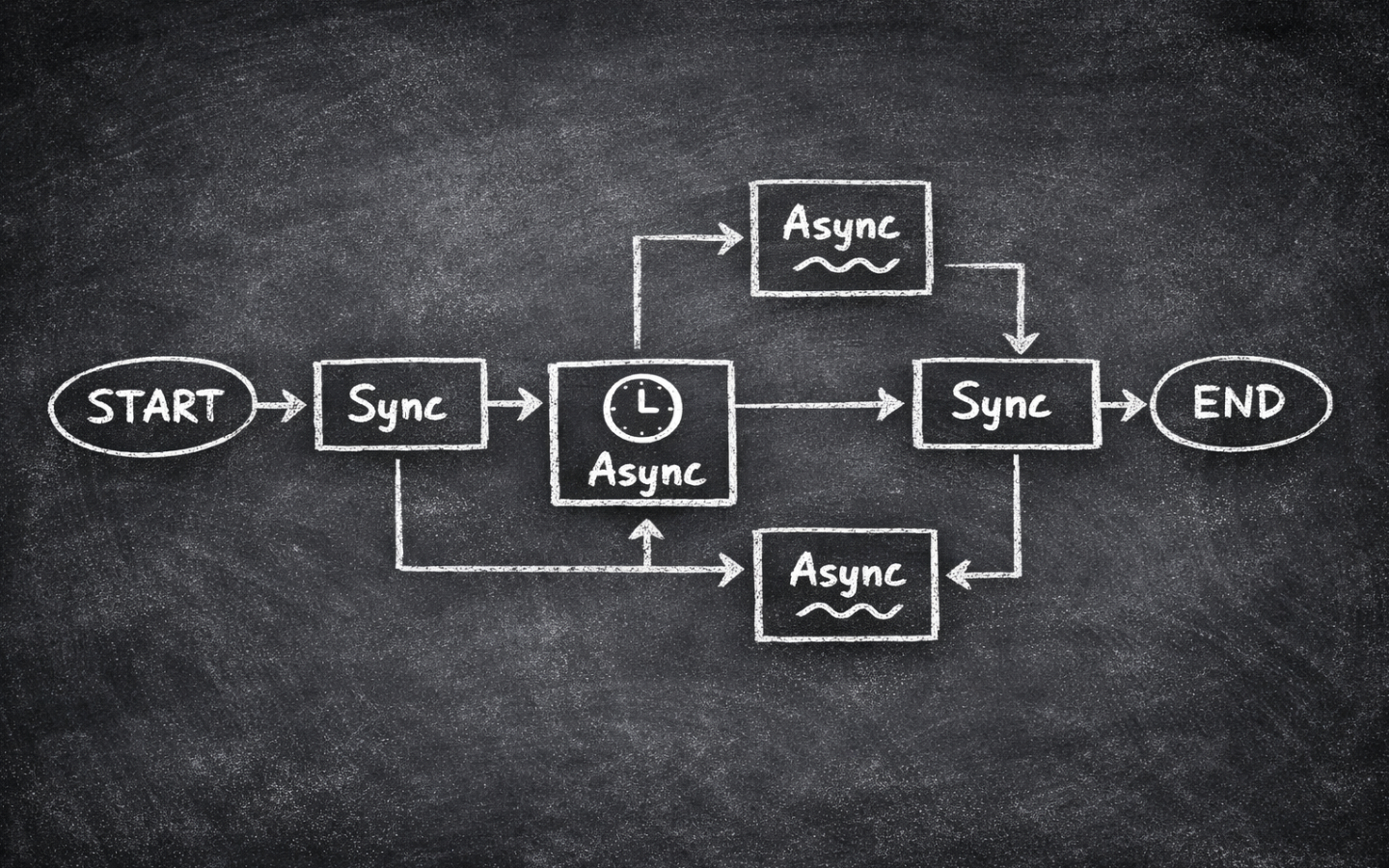
Using Async Effectively in LangGraph
Scaling LangGraph workflows for real-time web applications requires transitioning from synchronous graph calls to fully asynchronous execution.
Leveraging TL;DR
TL;DR — Quick Summary & Key Takeaways
ainvoke(), astream(), and async tool definitions unlocks …
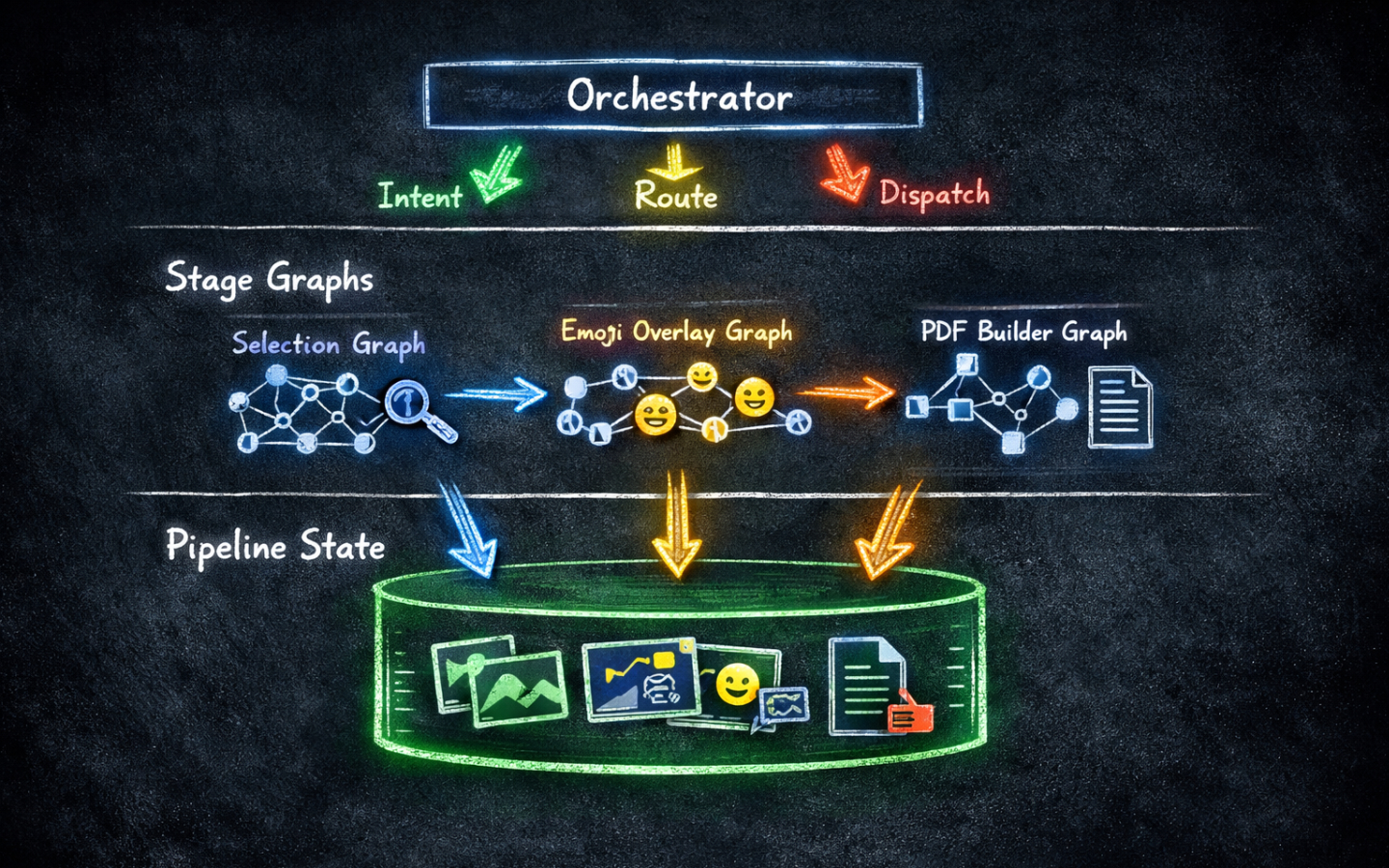
Building a Pipeline in LangGraph
Monolithic agent graphs become difficult to reason about, debug, and test as workflow stages multiply.
Composing separate, specialized LangGraph graphs into a multi-stage pipeline provides clear operational …TL;DR
TL;DR — Quick Summary & Key Takeaways

Claude Code vs Codex: Recreating an Iconic Game
Challenging Claude Code (Opus 4.6) and OpenAI’s Codex (GPT-5.3) to recreate the 1991 QBasic game Gorillas in Godot 4 reveals starkly different coding philosophies.
Claude delivered a delightful, authentic …TL;DR
TL;DR — Quick Summary & Key Takeaways
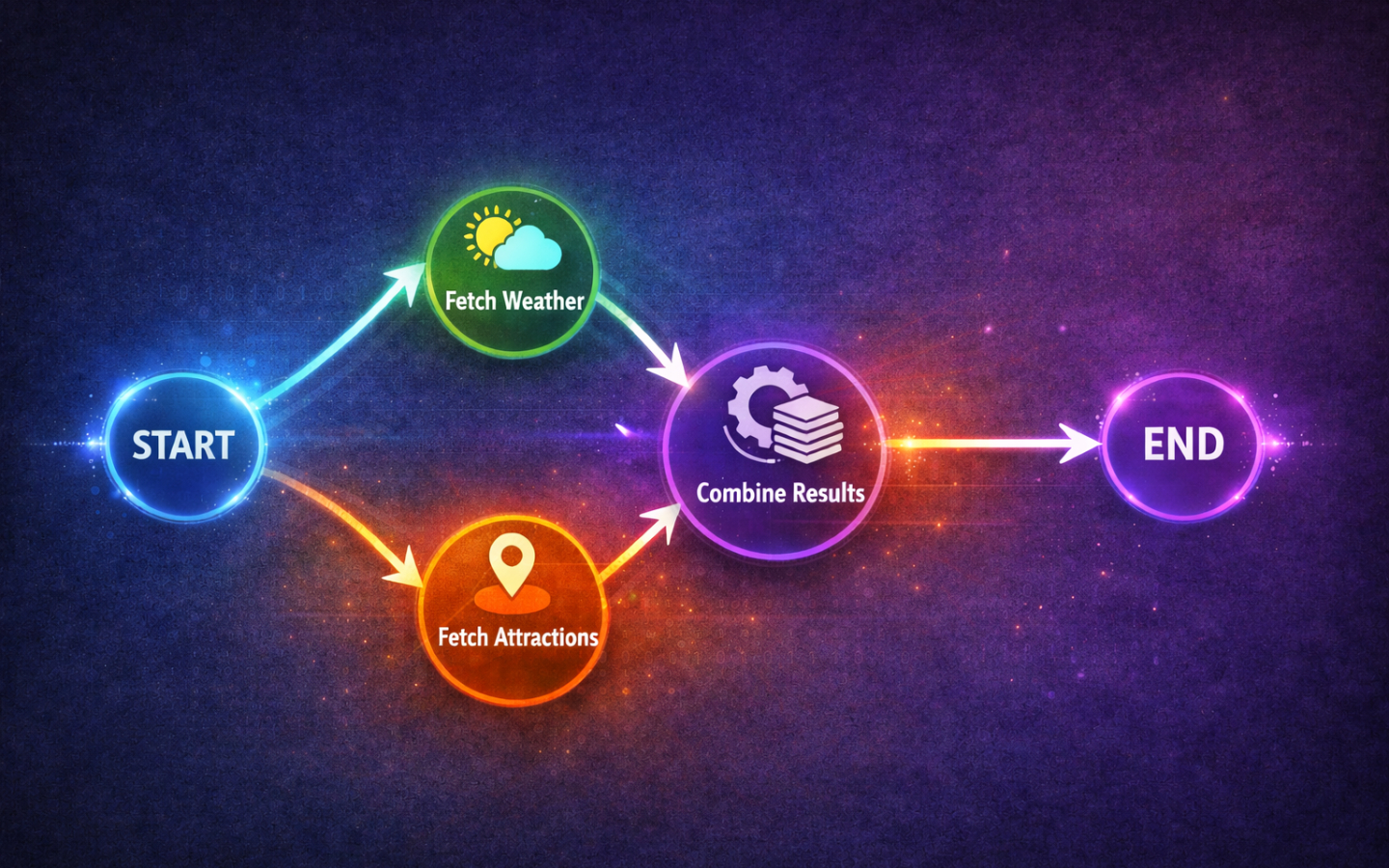
Concurrent Nodes in LangGraph
Executing independent LLM tasks sequentially introduces unnecessary latency into complex agentic workflows.
LangGraph enables parallel execution through fan-out and fan-in patterns, using state reducers to merge …TL;DR
TL;DR — Quick Summary & Key Takeaways
Using Tools in LangGraph
Connecting external functions to LangGraph gives LLMs the power to fetch live information, execute calculations, and interact with APIs.
Wiring tools using TL;DR
TL;DR — Quick Summary & Key Takeaways
ToolNode and MessagesState creates clean, cyclic agent …
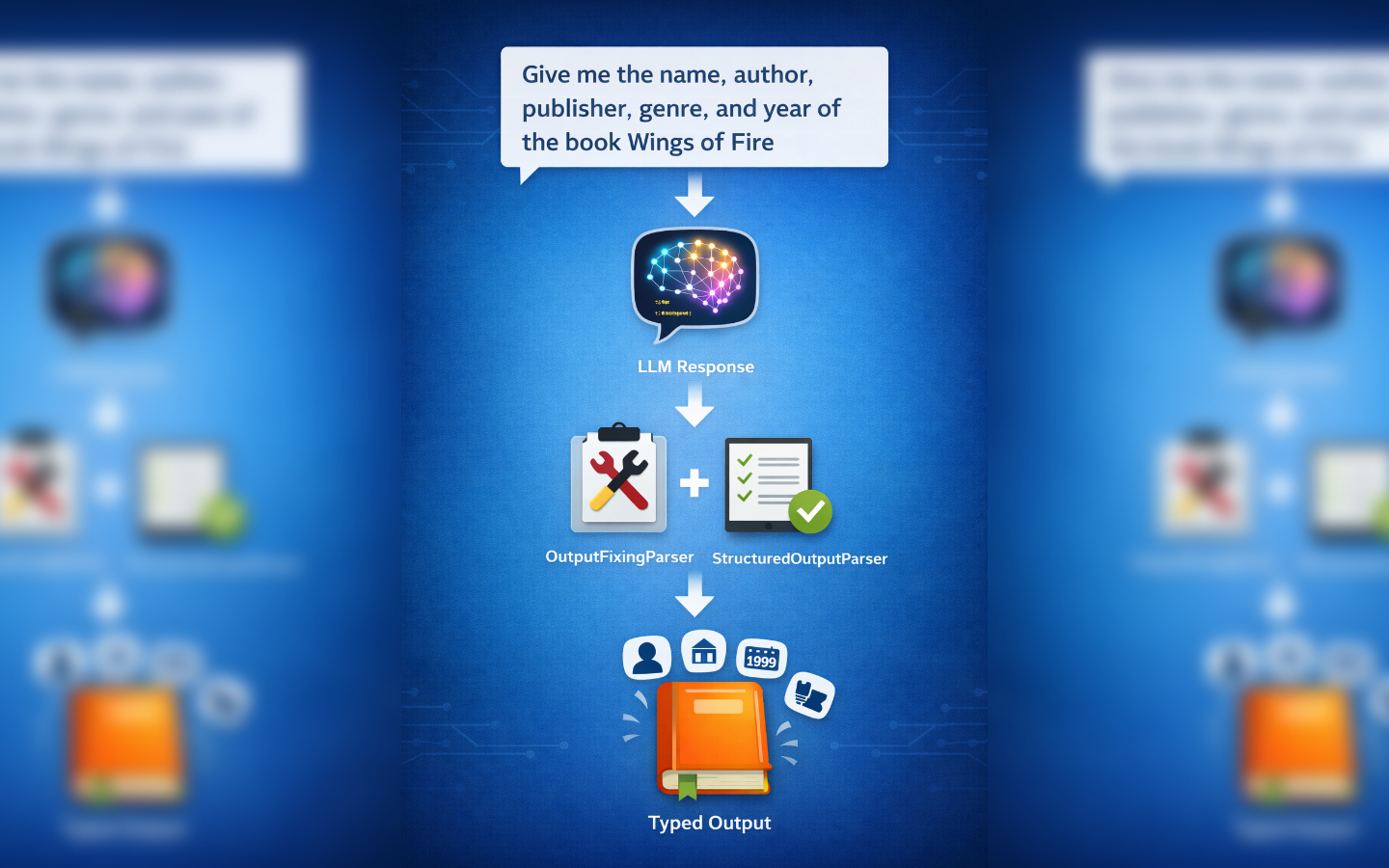
Structured Output in LangGraph
Unstructured free-form text from LLMs introduces brittle parsing errors into backend pipelines.
Leveraging LangGraph with Pydantic models and structured output functions enforces strict typing and reliable schema …TL;DR
TL;DR — Quick Summary & Key Takeaways
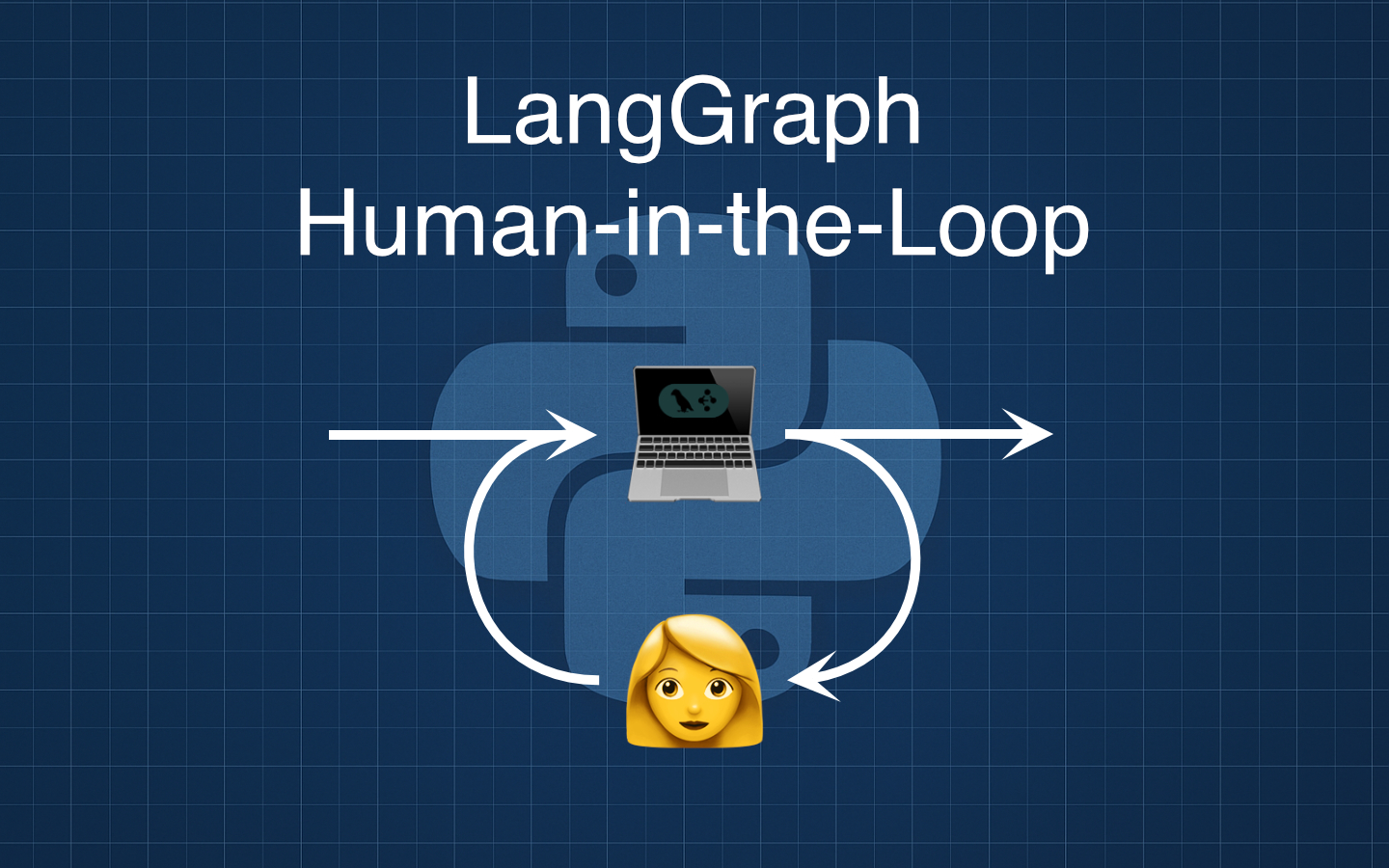
Pausing for Human Feedback in LangGraph
Adding a human-in-the-loop step to a LangGraph flow is an easy way to improve quality and control without adding branching or complexity. In this post we will build a tiny three-node graph that drafts copy with an LLM, pauses for human feedback, and then revises the draft, using LangGraph’s …