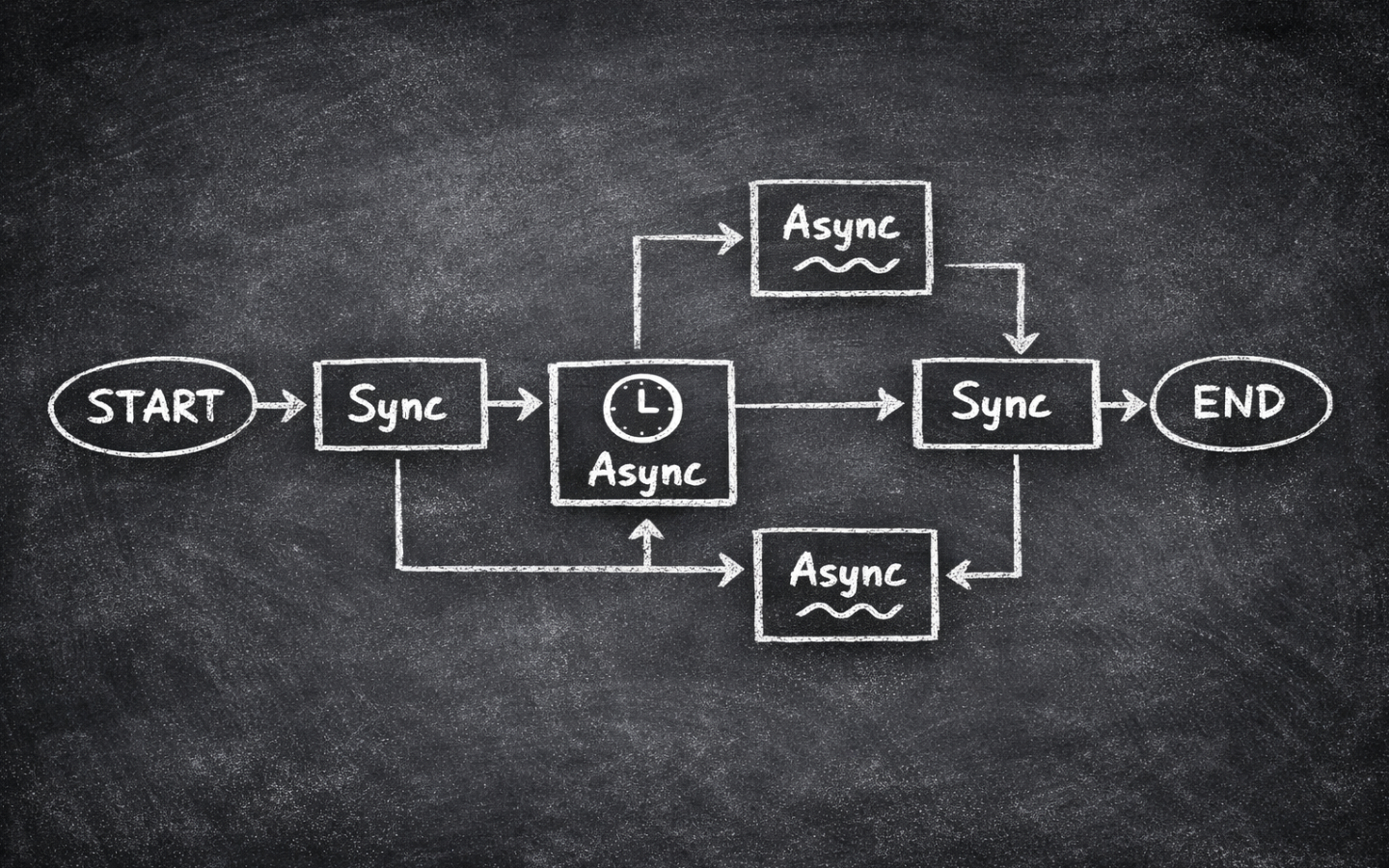
TL;DR TL;DR — Quick Summary & Key Takeaways
Scaling LangGraph workflows for real-time web applications requires transitioning from synchronous graph calls to fully asynchronous execution.
Leveraging ainvoke(), astream(), and async tool definitions unlocks non-blocking throughput across multi-agent systems.
- Asynchronous entry points: Use
app.ainvoke()andapp.astream()to run graph executions without tying up worker threads. - Async node definitions: Write nodes as
async deffunctions and useawaitfor database calls, API requests, and LLM completions. - Non-blocking tool nodes: Provide
coroutineimplementations for tools soToolNoderuns external I/O concurrently. - Replay safety: Ensure state updates and side effects remain deterministic when running graphs under asynchronous checkpoints.
In Seven Tips for Performant Async Python I focused on plain asyncio.
That’s the right place to start, because LangGraph doesn’t replace Python’s event loop or make blocking code magically concurrent.
If an async LangGraph node calls a blocking library, the graph still waits.
If you fan out too much work without limits, you can still overload an API.
And if you forget where concurrency is actually happening, your graph can look elegant while quietly behaving synchronously.
This post is the LangGraph version of that earlier article.
We’ll keep the core async lessons, then layer on the LangGraph-specific parts that matter today: async nodes, ainvoke(), async tools, reducers, and one important note about durable execution.
I’ll mention streaming where it matters, but save the full walkthrough for a near-future post in this series.
This is part of a series of posts on LangGraph. If you’re new to the series, start with A Primer in LangGraph which covers the basics, before working through the later posts.
What Still Applies from Plain Async Python
The core model hasn’t changed.
As I explained in How Async Python Works, the event loop only gets a chance to do something else when your code reaches an await.
LangGraph builds orchestration on top of that model, but it doesn’t bypass it.
Your graph can schedule work neatly, yet the actual concurrency still depends on the same underlying Python rules.
That means the old pitfalls still matter.
If you call a synchronous HTTP client inside an async node, you’ve recreated the exact problem described in Tip 1: Use Async-Native Libraries.
The node may be declared with async def, but the event loop is still blocked until that library returns.
Likewise, if you need to make dozens of requests inside a node, backpressure still matters, which is why Tip 6: Control Concurrency with asyncio.Semaphore carries over cleanly into LangGraph.
The easiest way to think about it is this: LangGraph helps you structure concurrent workflows, but it doesn’t excuse you from writing good async Python.
You still want async-native libraries for I/O-bound work.
You still want asyncio.to_thread() when a blocking SDK is unavoidable.
And you still need to decide where concurrency should happen and where it should be capped.
What LangGraph Adds on Top
LangGraph adds orchestration primitives rather than a new async model.
Nodes can be synchronous functions or asynchronous functions.
If a node needs to await network I/O, stream tokens, or coordinate a batch of concurrent requests, making it async def is perfectly natural.
If a node is just formatting data or joining strings, a plain synchronous function is often simpler.
At the graph boundary, the current Python API gives you the async entry points you’d expect.
Use app.ainvoke(...) when you want the final result asynchronously.
LangGraph also supports app.astream(...) when you want updates while the graph is still running, and in LangGraph v1.1 the streaming docs use version="v2" for that event format.
That’s an important capability to know exists, but I’ll leave the full streaming walkthrough for a near-future post so we can keep this one focused on the async foundations.
LangGraph also has an opinionated tool story.
If the LLM is deciding which actions to take, ToolNode can execute multiple requested tools in parallel automatically.
That’s very convenient, but it introduces the same shared-state problem discussed in Concurrent Nodes in LangGraph.
When parallel branches or parallel tool calls write to the same key, you still need a reducer or you’ll lose data.
One more piece matters in production: persistence and durable execution. If you compile a graph with checkpointing, LangGraph can resume or replay work. That’s powerful, but it means your side effects need clearer boundaries. A node that charges a card, sends an email, or writes a record to an external system must be designed so a replay doesn’t perform the same action twice by accident. Async doesn’t change that requirement. It just makes it easier to hide the risky call inside a larger function if you’re not careful.
A Practical Async LangGraph Example
Let’s build a small graph that gathers information from several URLs concurrently, then writes a short summary. This is the kind of pattern where async fits LangGraph very naturally. The graph is I/O-bound and each fetch is independent, so we can overlap the waiting time efficiently.
import asyncio
from typing import TypedDict

import httpx
from langgraph.graph import START, END, StateGraph


class ResearchState(TypedDict):
    query: str
    urls: list[str]
    documents: list[str]
    summary: str


async def fetch_one(
    client: httpx.AsyncClient,
    semaphore: asyncio.Semaphore,
    url: str,
) -> str:
    async with semaphore:
        response = await client.get(url, timeout=10.0)
        response.raise_for_status()
        text = response.text[:800]
        return f"Source: {url}\n{text}"


async def collect_documents(state: ResearchState) -> dict:
    semaphore = asyncio.Semaphore(3)

    async with httpx.AsyncClient() as client:
        documents = await asyncio.gather(
            *(fetch_one(client, semaphore, url) for url in state["urls"])
        )

    return {"documents": documents}


def write_summary(state: ResearchState) -> dict:
    combined = "\n\n".join(state["documents"])
    summary = (
        f"Research brief for {state['query']}:\n\n"
        f"{combined[:1200]}"
    )
    return {"summary": summary}


builder = StateGraph(ResearchState)
builder.add_node("collect_documents", collect_documents)
builder.add_node("write_summary", write_summary)
builder.add_edge(START, "collect_documents")
builder.add_edge("collect_documents", "write_summary")
builder.add_edge("write_summary", END)

app = builder.compile()
There are a few important details hiding in this short example.
The collect_documents node is async because it spends most of its time waiting on network I/O.
Inside that node we still use asyncio.gather() because LangGraph doesn’t remove the need to structure concurrency within a node.
And we wrap the work in a semaphore because unbounded fan-out is still a fast route to timeouts and rate limits.
To run the graph asynchronously, call ainvoke() instead of invoke():
result = await app.ainvoke(
    {
        "query": "Latest LangGraph async guidance",
        "urls": [
            "https://docs.langchain.com/oss/python/langgraph/graph-api",
            "https://docs.langchain.com/oss/python/langgraph/durable-execution",
            "https://docs.langchain.com/oss/python/langchain/tools",
        ],
        "documents": [],
        "summary": "",
    }
)

print(result["summary"])
LangGraph also supports async streaming with astream(), which is especially useful when you want progress updates or token-level output.
That deserves its own treatment though, so I’ll cover it properly in the near future rather than squeezing it into this post.
Notice what we didn’t do here.
We didn’t use ToolNode, because the LLM isn’t choosing actions in this example.
The graph itself already knows it should fetch every URL in state["urls"].
If the LLM needs to decide which lookups to perform, then the better fit is the tool-calling pattern from Using Tools in LangGraph, ideally with async tools where the underlying work is also I/O-bound.
Where Async Tools Fit
Async tools are useful when the model is making the choice, but the tool implementation is still network-heavy.
For example, an LLM might decide whether to call search_docs, check_status_page, or lookup_pricing.
If those tools talk to external services, defining them as async functions lets the runtime await them without blocking the event loop.
The important thing to remember is that ToolNode handling parallel tool execution doesn’t remove state design concerns.
If two tools can update the same state field, define a reducer for that field.
Otherwise you risk the same silent overwrites that happen with any other parallel branch in LangGraph.
Practical Mistakes to Avoid
- Declaring a node async while still using blocking I/O:
async defisn’t magic. If the node callsrequests,time.sleep(), or another blocking SDK, the graph still stalls. - Calling
invoke()when you really want async behaviour:invoke()is fine for synchronous runs, but if you want non-blocking graph execution, reach forainvoke(). - Forgetting reducers on parallel updates: this applies to fan-out branches and to parallel tool calls. If several concurrent paths write to one key, define how those values should be merged.
- Launching too much work at once:
asyncio.gather()is easy to overuse. Add a semaphore or another limiter before you discover the API’s rate limit the hard way. - Hiding side effects inside replayable nodes: with persistence enabled, retries and resumes are features, not bugs. Keep external side effects idempotent or isolate them so replay doesn’t create duplicates.
One short footnote is worth calling out. If you’re stuck on Python earlier than 3.11, LangGraph’s async streaming docs currently require a bit more manual work around context propagation. That’s another good reason to prefer Python 3.11+ for new LangGraph projects.
Wrapping Up
Async is a great fit for LangGraph when the workload is I/O-bound and the graph is structured clearly. The fundamentals are still plain Python fundamentals: yield control, use async-native libraries, and limit concurrency intentionally. LangGraph then adds the orchestration layer on top with async graph entry points, streamed progress, tool execution, reducers, and durable execution.
If you keep those layers separate in your head, the design becomes much easier. Write sound async Python first. Then use LangGraph to decide how that work should be coordinated, observed, and resumed.
If you want more from this series, browse the LangGraph tag. Happy coding!