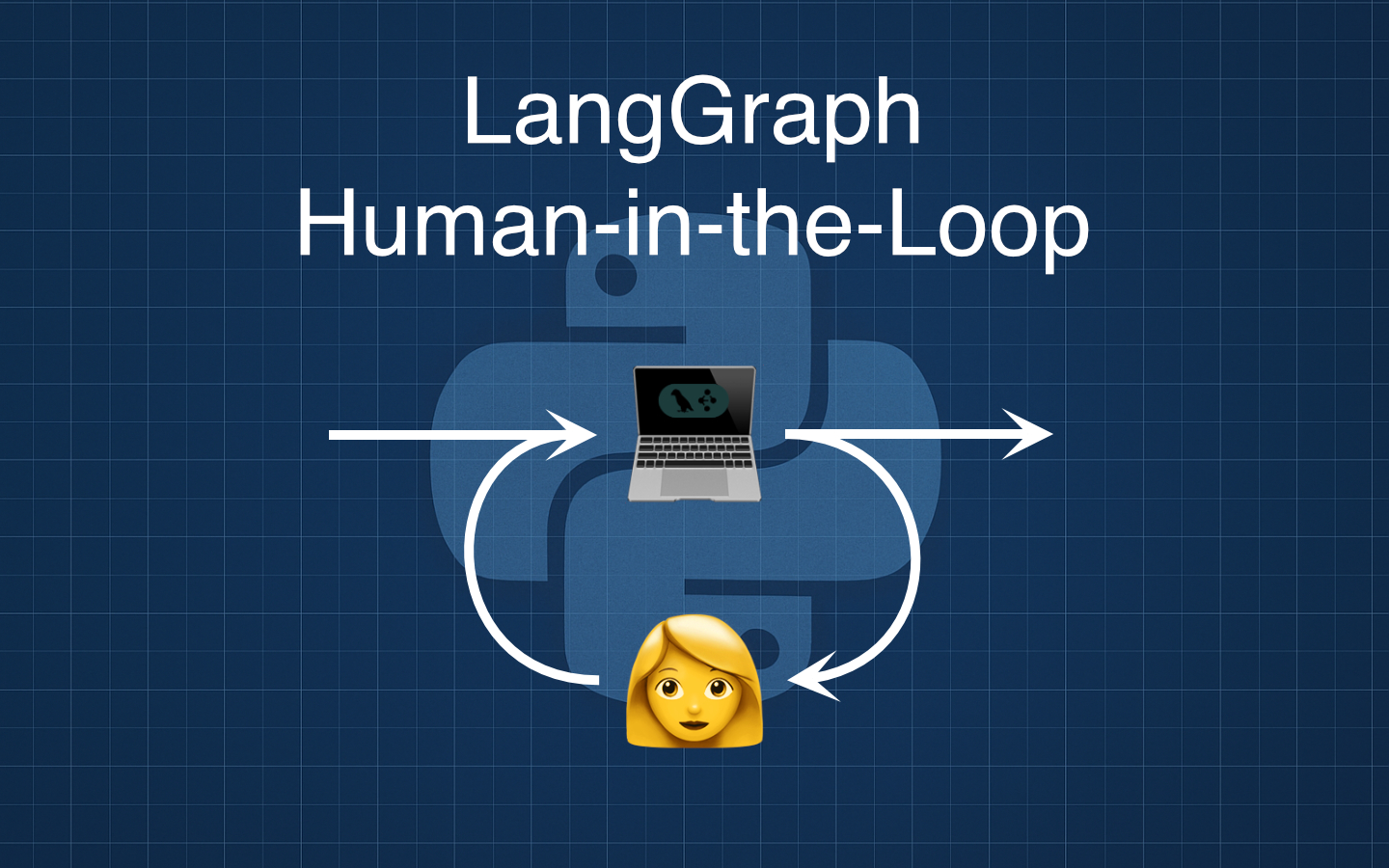
Adding a human-in-the-loop step to a LangGraph flow is an easy way to improve quality and control without adding branching or complexity.
In this post we will build a tiny three-node graph that drafts copy with an LLM, pauses for human feedback, and then revises the draft, using LangGraph’s interrupt to pause execution safely.
What We Are Building
We will create a linear graph that turns a short brief into a draft, collects human feedback, and produces a revised final text.
The nodes are draft_with_llm, human_feedback, and revise_with_llm, wired from START to END.
Define the Graph State
We will pass a small typed state through the graph so each step is explicit and inspectable.
# state.py

from typing import TypedDict

class ReviewState(TypedDict, total=False):
    brief: str
    draft: str
    user_feedback: str
    final_text: str
A minimal state keeps the flow simple to reason about and straightforward to debug. A well designed state lets you look at the process followed at the end of invoking the graph.
Implement the Nodes
Draft with the LLM
This node produces a first draft from the brief in the state.
It is assumed you have the OpenAI key already set up in your environment from one of the previous posts about LangGraph.
# draft_with_llm.py

from langchain_openai import ChatOpenAI

llm = ChatOpenAI(model="gpt-4o", temperature=0.3)

def draft_with_llm(state: ReviewState) -> dict:
    brief = state["brief"].strip()
    prompt = (
        "Write a short, clear first draft based on this brief:\n\n"
        f"{brief}\n\n"
        "Keep it concise and neutral in tone."
    )
    resp = llm.invoke(prompt)

    return {"draft": resp.content}
A single focused prompt keeps behaviour predictable and easy to iterate on.
Human Feedback as a Pause Point
This node asks a person for feedback and saves their response. Notice how this node doesn’t make any calls to the LLM at all.
# human_feedback.py

from langgraph.types import interrupt

def human_feedback(state: ReviewState) -> dict:
    feedback = interrupt("Please provide feedback on the draft:")

    return {"user_feedback": feedback}
Using interrupt pauses execution safely so you can resume later without losing state.
Revise with the LLM
This node applies the feedback to produce the final text.
# revise_with_llm.py

def revise_with_llm(state: ReviewState) -> dict:
    draft = state["draft"].strip()
    feedback = state["user_feedback"].strip()
    prompt = (
        "You are revising a short draft based on feedback.\n"
        "Apply the feedback precisely, improve clarity, and keep the tone neutral.\n\n"
        f"Draft:\n{draft}\n\n"
        f"Feedback:\n{feedback}\n\n"
        "Return only the revised text."
    )
    resp = llm.invoke(prompt)

    return {"final_text": resp.content}
This keeps the LLM use focused on one job, which makes outputs easier to evaluate.
Wire Up The Graph
We connect the nodes in a straight line to keep the flow clear.
# graph.py

from langgraph.graph import StateGraph, START, END

from state import ReviewState
from draft_with_llm import draft_with_llm
from human_feedback import human_feedback
from revise_with_llm import revise_with_llm

graph = StateGraph(ReviewState)

graph.add_node("draft_with_llm", draft_with_llm)
graph.add_node("human_feedback", human_feedback)
graph.add_node("revise_with_llm", revise_with_llm)

graph.add_edge(START, "draft_with_llm")
graph.add_edge("draft_with_llm", "human_feedback")
graph.add_edge("human_feedback", "revise_with_llm")
graph.add_edge("revise_with_llm", END)
The special START and END markers make entry and exit explicit.
Running The Flow
Here is a minimal driver that pauses for feedback and then resumes to produce the final text.
# main.py

from langgraph.checkpoint.memory import InMemorySaver
from langgraph.types import Command

from graph import graph

# Compile with a checkpointer so interrupts can pause and later resume the same run.
app = graph.compile(checkpointer=InMemorySaver())

# Use a thread id to identify the run we will resume.
config = {"configurable": {"thread_id": "demo-1"}}

# 1. Start the run; it will pause at the human_feedback node.
first = app.invoke(
    {"brief": "Write a two-sentence product blurb for a minimalist, reusable water bottle."},
    config=config,
)

# Optional: inspect the interrupt payload to render a prompt in your UI or logs.
interrupts = first.get("__interrupt__", [])
if interrupts:
    print("Interrupt asked for:", interrupts[0].value)

# 2. Resume the run with human input.
final = app.invoke(
    Command(resume="Tighten the wording and add a clear call-to-action."),
    config=config,
)

print("Final text:\n")
print(final["final_text"])
The first call pauses and returns an interrupt payload that you can surface in a UI, store, or log.
The second call resumes the exact run by passing a Command(resume=...) with the user’s input.
Why Add a Human Node
- You keep humans in control of tone, accuracy, and compliance for sensitive content.
- You gain a natural place to capture rationale, suggestions, and approvals that can be stored in state.
- You improve trust in outputs without introducing branching logic.
Wrapping Up
You have added a human-in-the-loop step to a simple LangGraph flow with a single pause point and a clear state that keeps everything understandable. This pattern is a practical foundation for reviews and approvals, and you can extend it with persistence or richer prompts as your needs grow. If you want to take this further, try swapping the domain from copy to code review or data report summaries and experiment with how feedback shapes the final output.