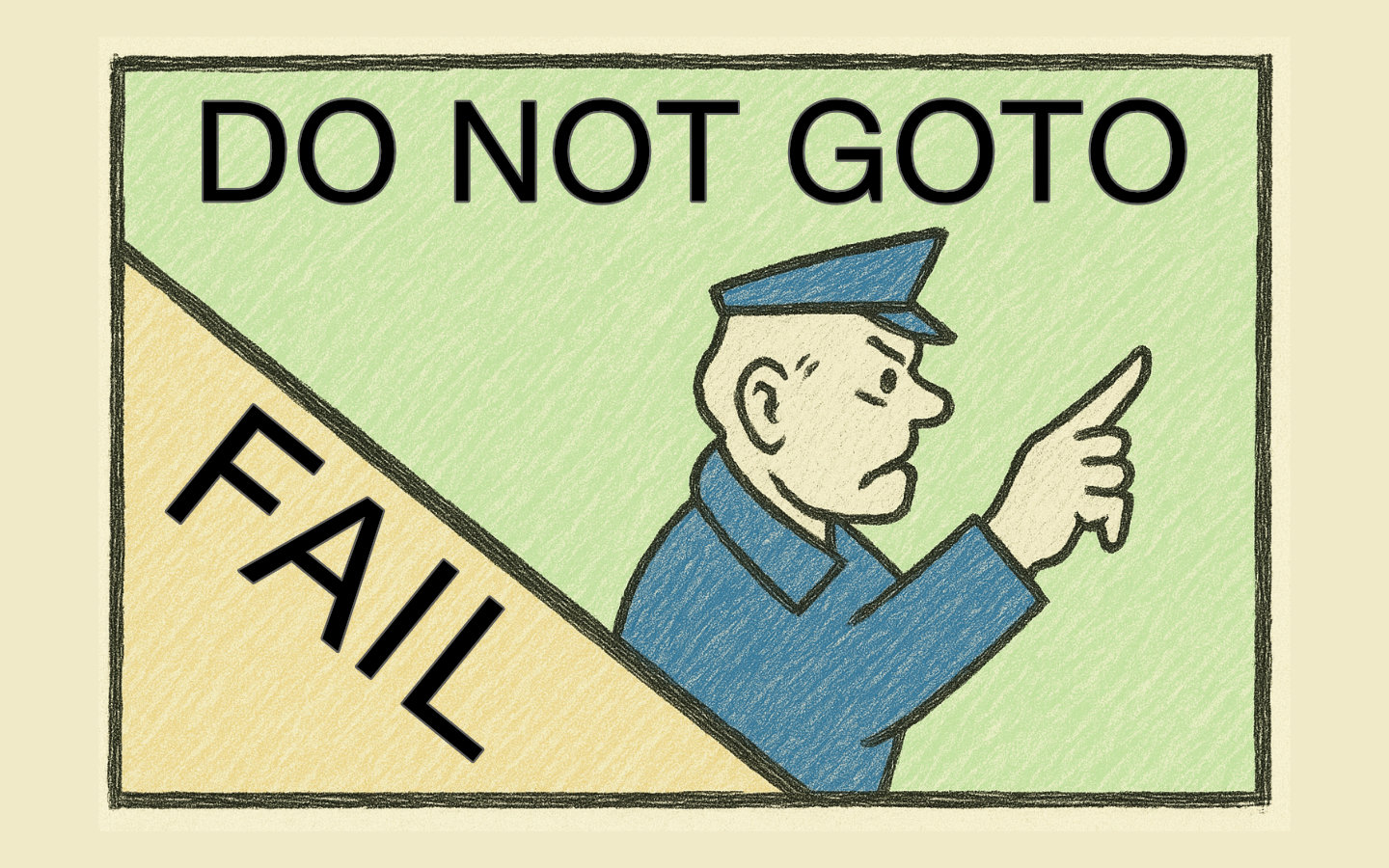
Style guides are not bikeshedding; they are seatbelts that stop simple edits turning into catastrophic bugs.
The infamous #gotofail incident shows how a tiny deviation from a basic rule like “always use braces” can undermine critical security checks, and how automated style enforcement and static analysis could have caught it before release.
In this short piece, we will revisit #gotofail briefly and then focus on practical, language-specific options in Python, JavaScript, and Ruby to keep such mistakes out of your codebase.
A cautionary tale: #gotofail in Apple’s SSL/TLS
On 21st February 2014, Apple shipped a security update for iOS with a stark note that Secure Transport failed to validate authenticity.
The root cause was traced to a duplicated line in Apple’s published source code, widely discussed as #gotofail.
In the SSLVerifySignedServerKeyExchange() function, there were two consecutive lines of goto fail; and only the first was correctly bound to the if statement.
The second, unconditional goto fail; caused the certificate verification algorithm to jump past crucial validation code.
Analyses summarised that “a duplicate line of code, goto fail;, causes a critical SSL certificate verification algorithm to jump out of the verification sequence,” with effects including the client failing to verify that Diffie–Hellman parameters were actually provided by the server whose certificate was being validated.
The breathtaking simplicity of the bug spawned speculation about intent, while others argued it was an understandable mistake in a complex codebase.
// Illustrative pattern resembling the duplicate jump.
if (has_error)
    goto fail;
goto fail; // Unintended duplicate that bypasses later checks.
// ... critical verification code that now never runs
fail:
    // cleanup and exit
This vulnerability is formally tracked as CVE-2014-1266, and the episode is well-documented at the National Vulnerability Database.
It’s been 11 years now since the fix was given, but you can check if your browser is vulnerable to the problem by going to this gotofail website.
Why enforce code style, not just recommend it
Consistent formatting makes code reviews more efficient because reviewers can focus on the logic and functionality instead of formatting. This consistency makes it easier for developers to read and understand each other’s code, reducing the cognitive load when switching between modules. Less complexity and better readability make code less vulnerable to errors. Good standards do not limit creativity; they help teams collaborate with fewer misunderstandings. A particularly important rule is to always use braces for conditional blocks, even for single statements, because adding a second statement later without braces makes it run unconditionally.
// Initial code.
if (is_valid)
    do_one();

// Later edit, forgetting braces.
if (is_valid)
    do_one();
    do_two(); // Runs unconditionally and can introduce subtle bugs.

// Correctly braced version.
if (is_valid) {
    do_one();
    do_two();
}
Enforcing style in Python
Python teams commonly combine formatters and linters to make “correct-by-construction” the default.
Tools like black provide an “uncompromising” formatter that removes formatting decisions from developer workflows.
flake8 acts as a linter that glues together checks for errors, style, and complexity, with plugins available to tailor strictness.
Security-focused checks can be layered in with tools such as bandit as part of a continuous quality gate.
The pre-commit framework can run formatters and linters automatically before code lands, and you can run them across your repository with pre-commit run -a.
When there are many options or source files to specify, store configuration centrally (for example, via a parameters file) to keep commands repeatable and consistent.
pre-commit run -a
For large Python codebases, keep configuration in version control so that opening the project in an editor starts all related linter and checker extensions automatically.
Enforcing style in JavaScript and TypeScript
In the JS ecosystem, prettier handles formatting while eslint enforces code quality beyond formatting, and many projects use both to avoid conflicts or redundancy.
Git hooks with husky and lint-staged let you run formatters and linters on staged changes to prevent “dirty” commits.
The following snippet shows a package.json configuration that runs prettier and eslint before every commit.
{
  "scripts": {
    "prepare": "husky install"
  },
  "husky": {
    "hooks": {
      "pre-commit": "lint-staged"
    }
  },
  "lint-staged": {
    "*.{js,jsx,ts,tsx,json,css,scss,md}": [
      "prettier --write",
      "eslint --fix"
    ]
  }
}
This setup gives you consistent formatting and actionable lint feedback at the moment changes are made.
Enforcing style in Ruby
Ruby teams typically adopt rubocop for linting and formatting rules and often integrate prettier for front-end assets in Rails applications.
You can add husky, lint-staged, and prettier to ensure formatting is applied to staged files before they are committed.
npm install --save-dev lint-staged husky prettier
There are pre-commit hooks that lint with rubocop, eslint, and prettier, giving full-stack projects a unified gate for code quality.
This approach keeps style consistent across Ruby, JavaScript, and stylesheets while avoiding manual steps.
Wrapping Up
#gotofail is a stark reminder that tiny style slips can have outsized security consequences.
Adopting simple rules like “always use braces,” automating formatting, enabling strict warnings, layering static analysis, and wiring everything into pre-commit gives you a safety net that catches these issues before they ship.
If this piqued your interest, explore stronger configurations for your Python, JavaScript, and Ruby stacks, expand your pre-commit toolkit, and pilot stricter style enforcement on a critical service to see the benefits first-hand.
Future posts will cover the use of code style linters and static analysers individually.